Author: Melissa

5 reasons to bring the kids to Auckland Kiddie Limits (+ Giveaway!)

5 reasons to bring the kids to Auckland Kiddie Limits (+ Giveaway!)

Lord have mercy!  Someone’s doing something super amazing and COOL for the kids this summer – and parents, totally, super cool for parents.  Trust me on that one because Dave and I are freeeakkkking about this festival inside a festival yo! Auckland Kiddie Limits is 

My Kids. How Back to School is REALLY working out

My Kids. How Back to School is REALLY working out

It may technically be  ‘summer’ if we’re discussing the weather but when talking parenting, this Mum is very firmly entrenched in a dark and stormy winter. Instead of beginning the school year refreshed and full of pep, the personal toll of beginning a new intermediate 

Valentines Day Movies – Staying In is the new Going Out

Valentines Day Movies – Staying In is the new Going Out

New Zealand's Top Mummy Blogger Blog Valentine's Day Movie

Look, I’m turning 36 37 this year.  I haven’t measured my own self-worth or the status of a relationship by how red, pink and chocolatey a Valentine’s Day is for a very long, long time.

That’s not to say I’m completely opposed to celebrating it however.  For me the appeal of Valentine’s Day is that you can make it as ostentatious or as subtle an occasion as you choose.  Ham it up or go balls to the wall class act, the choice is yours and your plan of attack probably varies from year to year.

One of the pleasures of being an old married couple is that expectations are out the window at this point and Dave and I totally appreciate small gestures and time spent together.  As the Big Day is on a Sunday this year, we will be celebrating the way that 66% of those surveyed agreed was the perfect casual date night – staying in and watching Netflix together.

Let’s emphasise the together ok.  Because that’s the really important bit.  Dave and I are totally invested in a growing number of series – shows we totally love so we only watch them together.  That means no (ok, minimal) devices and uninterrupted watching.  This is not as easy as one would think, um, kids, life, vacuuming………………SLEEP!

So, to make your Valentine’s Day a massive Staying In hit this year, I’ve got some surefire rom-coms and enough sappy love scenes to get all systems firing.  Stay in and snuggle down with Netflix and the one you love this Valentine’s Day.

10 Valentine’s Day Movie Ideas

  • Crazy Stupid Love
  • 50 First Dates
  • New York, I Love You
  • Ted Talks: Sex, Secrets and Love
  • Love and Other Disasters
  • Manhattan Romance
  • Mr and Mrs Smith
  • The Notebook
  • Words and Pictures
  • Love – Netflix Original, launching globally 19th Feb!

New Zealand's Top Mummy Blogger Blog Valentine's Day Movie

Book Review | I’ll Wait, Mr Panda

Book Review | I’ll Wait, Mr Panda

I’ll Wait, Mr Panda by Steve Antony  – Ridiculously cute, minimalist illustrations including ‘on-trend’ doughnuts (I joke!) – Check  – A lesson in good manners – Check  – Endearing characters – Check  – Simple, effective storytelling that both parents and kids will LOVE – Check This 

Back to School | Ditch the Duraseal with EZ Cover

Back to School | Ditch the Duraseal with EZ Cover

Welcome to the 5th post in a little series I’m going to refer to as All the Mummas Say Hell Yes! The Best Nest Goes Back to School 2016!  Whoop whoop!  Uniforms, BYOD, shoes, haircuts, stationery, lunch boxes, covering books, HELP! I’ve always loved the annual book covering 

Back to School | The Little Tablet that Could

Back to School | The Little Tablet that Could

New Zealand's Top Mummy Blogger Blog School BYOD

Welcome to the 5th post in a little series I’m going to refer to as All the Mummas Say Hell Yes! The Best Nest Goes Back to School 2016!  Whoop whoop!  Shopping, lunchboxes, uniforms, shoes, pencil sharpeners, stationery, computers, Chromebooks, devices, BYOD!!!!!

We’ve discussed BYOD before (here & here) where we decided a Chromebook would be perfect for Ethan to transport to-and-from school everyday.  A great option for him at the moment, but, there are many other options out there for those who require a little more computing power or perhaps some specific Microsoft programs that are not available via Chromebooks, iPads or other devices.

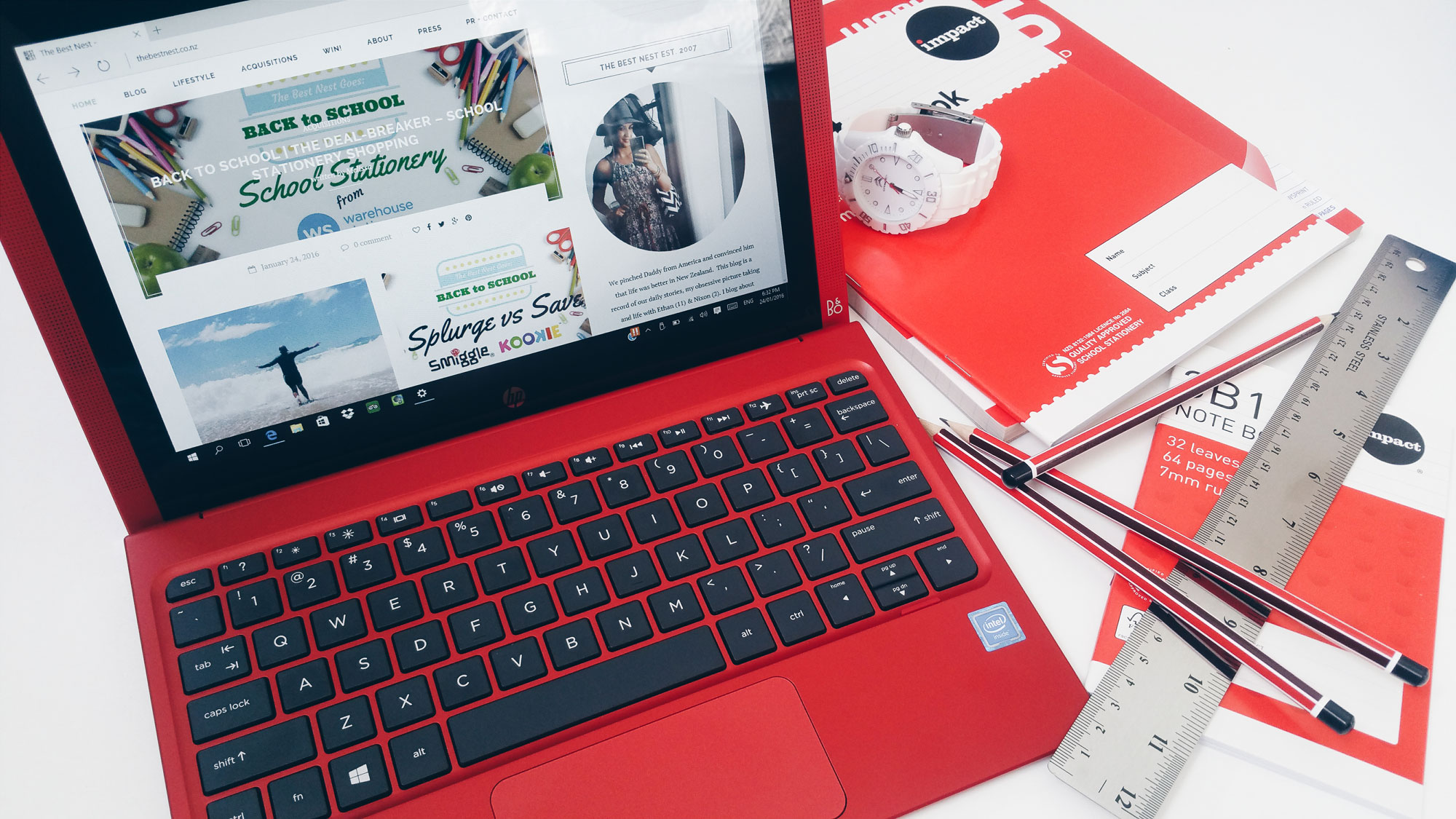
Laptops have well and truly carved out some new territory, in fact this wee gem may look like a laptop but don’t be fooled.  It’s actually a modern day Transformer; the screen comes OFF people!!!!

Amaze.  What will they think of next?!

New Zealand's Top Mummy Blogger Blog School BYOD

I joke, I’m not a technical retard but I am slightly out of touch with windows computers (I’m a Mac girl) and I had no idea what number OS they are up to, so it was quite exciting finding my way around this HP tablet from Noel Leeming.

If like me, this year is your first time at the BYOD rodeo then the initial step is having a very clear idea of what the school requires as well as what is going to work best for your child.

This checklist is the perfect place to start.  Compiled by the passionate geeks (I’m joking!) experts at Noel Leeming, you can’t go wrong by taking note of these 6 BYOD tips before you hit the shops;

What to look for in a BYOD device

  1. 10-inch minimum screen
  2. Runs both apps and programmes
  3. USB port
  4. Work both offline and online
  5. Battery life to last a typical school day
  6. Lightweight

New Zealand's Top Mummy Blogger Blog School BYOD

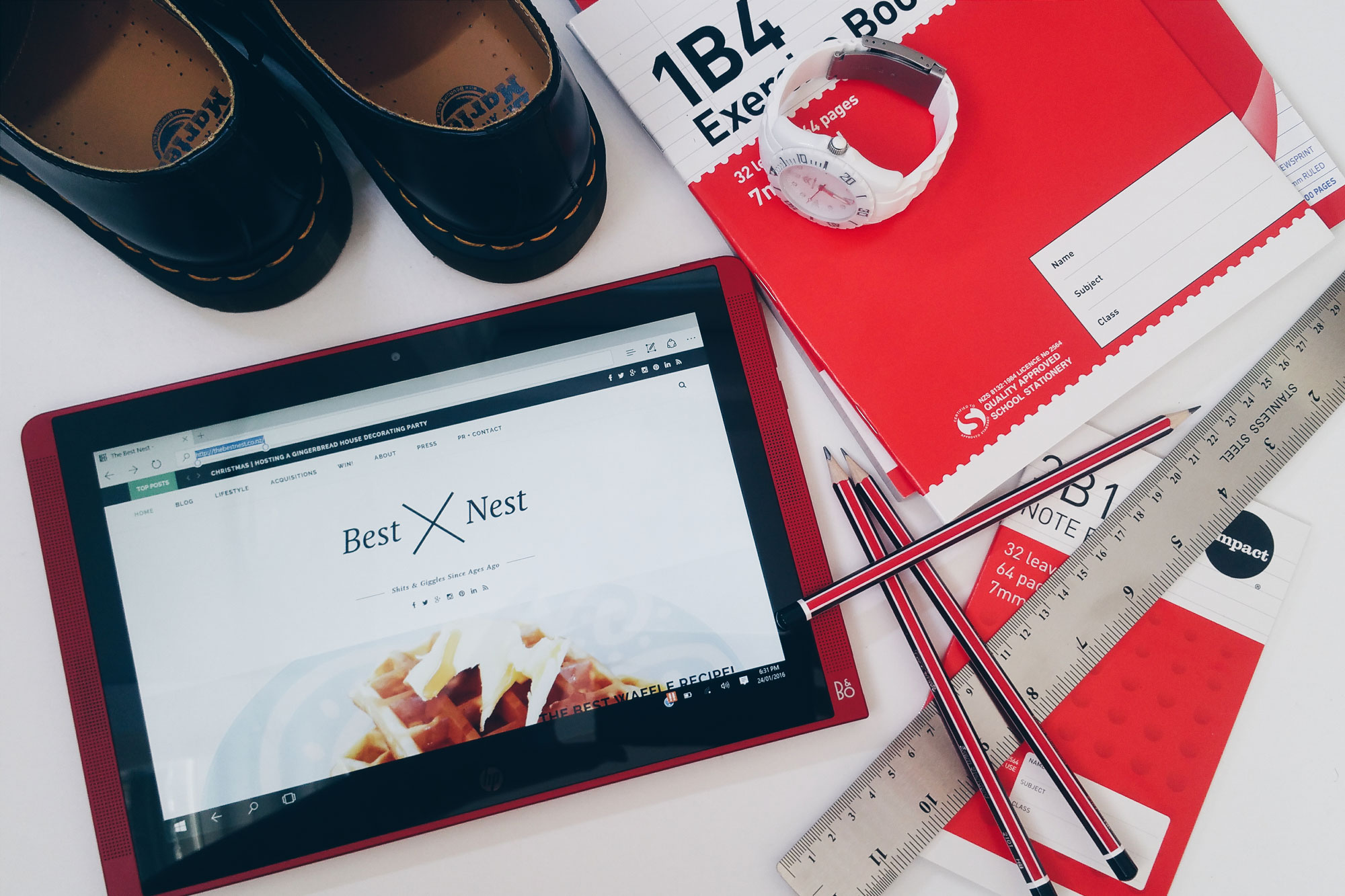
So this sassy, red number from HP totally fits the bill, plus the benefits of a device such as this over an iPad or Android tablet are considerable.  The first that comes to mind is the availability of a USB port, essential to expand the often limited storage that is available on these late-model, lightweight devices.  This also allows you to use peripheral devices such as cameras, printers and a mouse.

The detachable keyboard is another bonus in my opinion.  Many schools may be ok with an iPad as a device but will insist that a bluetooth keyboard is used alongside it.  This is an additional cost on top of an already expensive purchase.
New Zealand's Top Mummy Blogger Blog School BYOD

Using Windows on a touchscreen device was totally weird for me at first, but Windows 10 is quite intuitive.  Ethan was like, no big deal, and for Dave – who works on a Windows laptop – this tablet was very, very exciting!  Swipe swipe! 

Aside from the obvious specialist advice that’s available at Noel Leeming, my fave reasons for making all of our family’s major purchases there are twofold;

  1. Flybuys:  Self-explanatory and totally worthwhile.
  2. Price matching:  Noel Leeming offers their Price Promise which means you never have to choose FlyBuys over a lower price!  Present an advertisement or a quote from a competitor and you’re sorted!  Love that and have used it many times.

 > Shop the HP 10.1″ Pavilion X2 Red Detachable Hybrid Tablet Bundle here < it comes with a mouse and a case for $599.

 > Find out more about BYOD by checking out Noel Leeming’s easy to understand – and super comprehensive – guide right here > Everything You Need to know about BYOD.  They compare all of your different options as well as expanding on all of those little extras such as antivirus, cases, printers,extra storage…………….got any money left?  Me either lol.

Good luck on your BYOD journey parents, we’re all in this together!


A Very Strange Day

A Very Strange Day

Woken at 4am by a DAMNCAT screaming in our yard, rousing the Shi-Tzus into thunderous barks (ok, that may be a stretch), waking Nixie, Dave and I and reminding me that THAT article was coming out today. Couldn’t get back to sleep because thinking – 

Back to School | Leather School Sandals from 2 Feet Tall

Back to School | Leather School Sandals from 2 Feet Tall

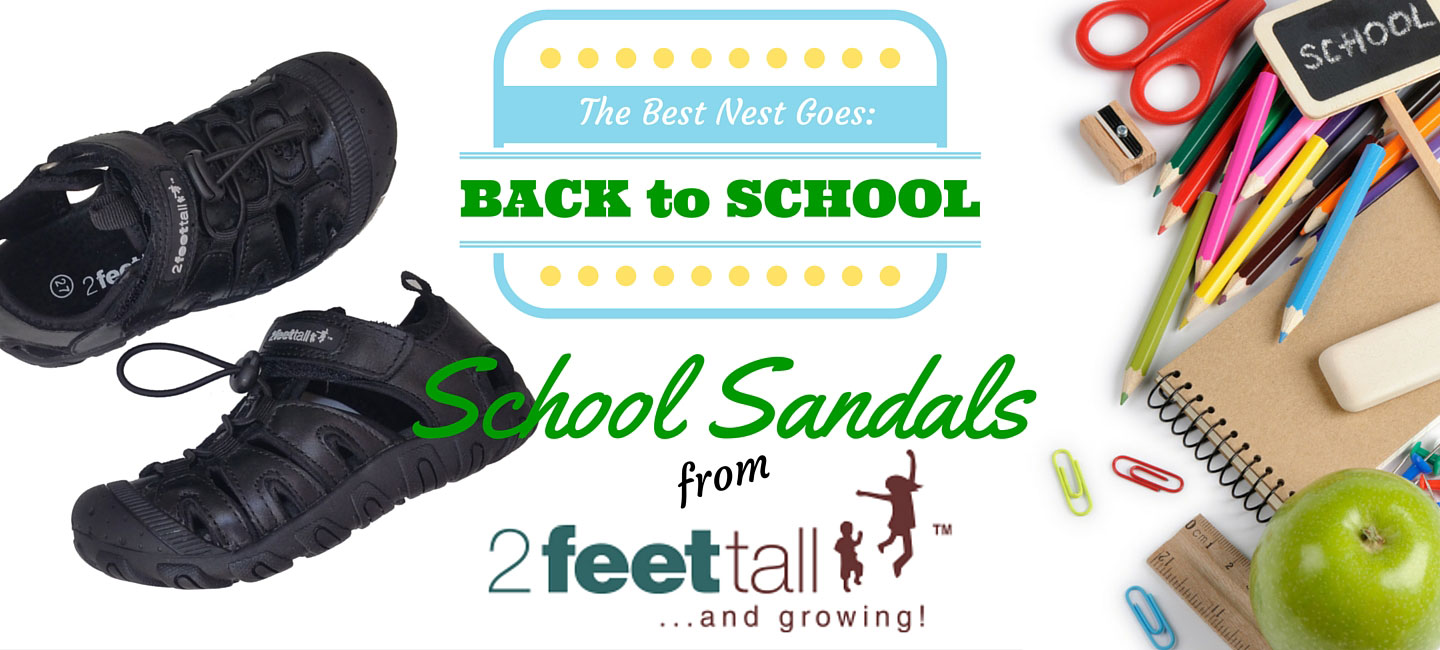
If there is one thing I’m a sucker for it’s leather shoes.  The little bit extra you pay for them reaps dividends when you consider how much longer they last than their synthetic alternatives.  I’ve found this especially true with school shoes for Ethan.  His primary 

Iced Tea Three Ways

Iced Tea Three Ways

New Zealand's Top Mummy Blogger Blog Fruit Tea Recipes

2016 has certainly blessed us with an abundance of sunshine hours thus far, and Summer (albeit an El Niño one!) means spending time with friends and family and getting creative in the kitchen as we share these lazy days together.

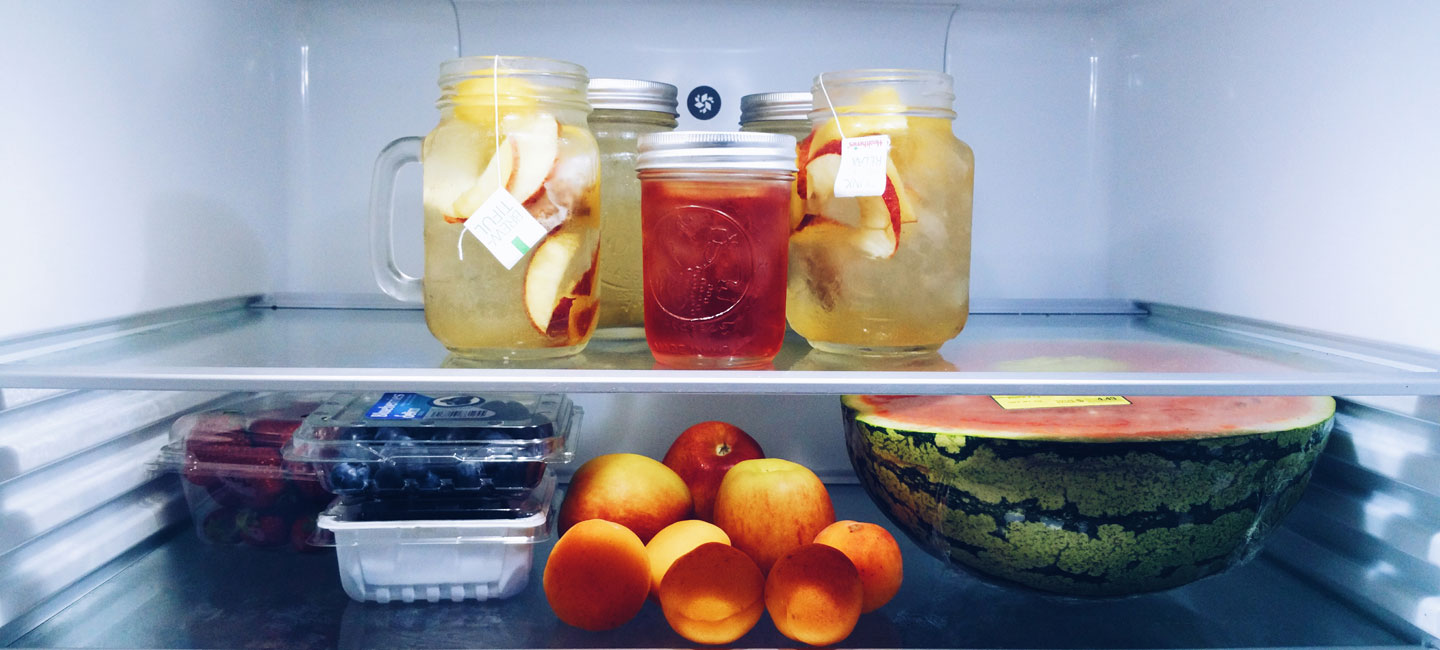
If you’re looking for something a little bit delicious to help you stay hydrated this Summer – or to wow your visitors – I’ve come up with three super easy ways to enjoy Healtheries Iced Tea, a refreshing alternative to sugary juices and soft drinks that’s caffeine free and 99% sugar free!  Kid friendly?  My boys can’t get enough, but aside from being my new fridge staple, Iced Teas can be dressed to impress and make the perfect anytime pick-me-up or a healthy alternative to wine-o’clock!

Now where are my paper umbrellas?

Apple & Blueberry Iced Tea Slushies

New Zealand's Top Mummy Blogger Blog Fruit Tea Recipes

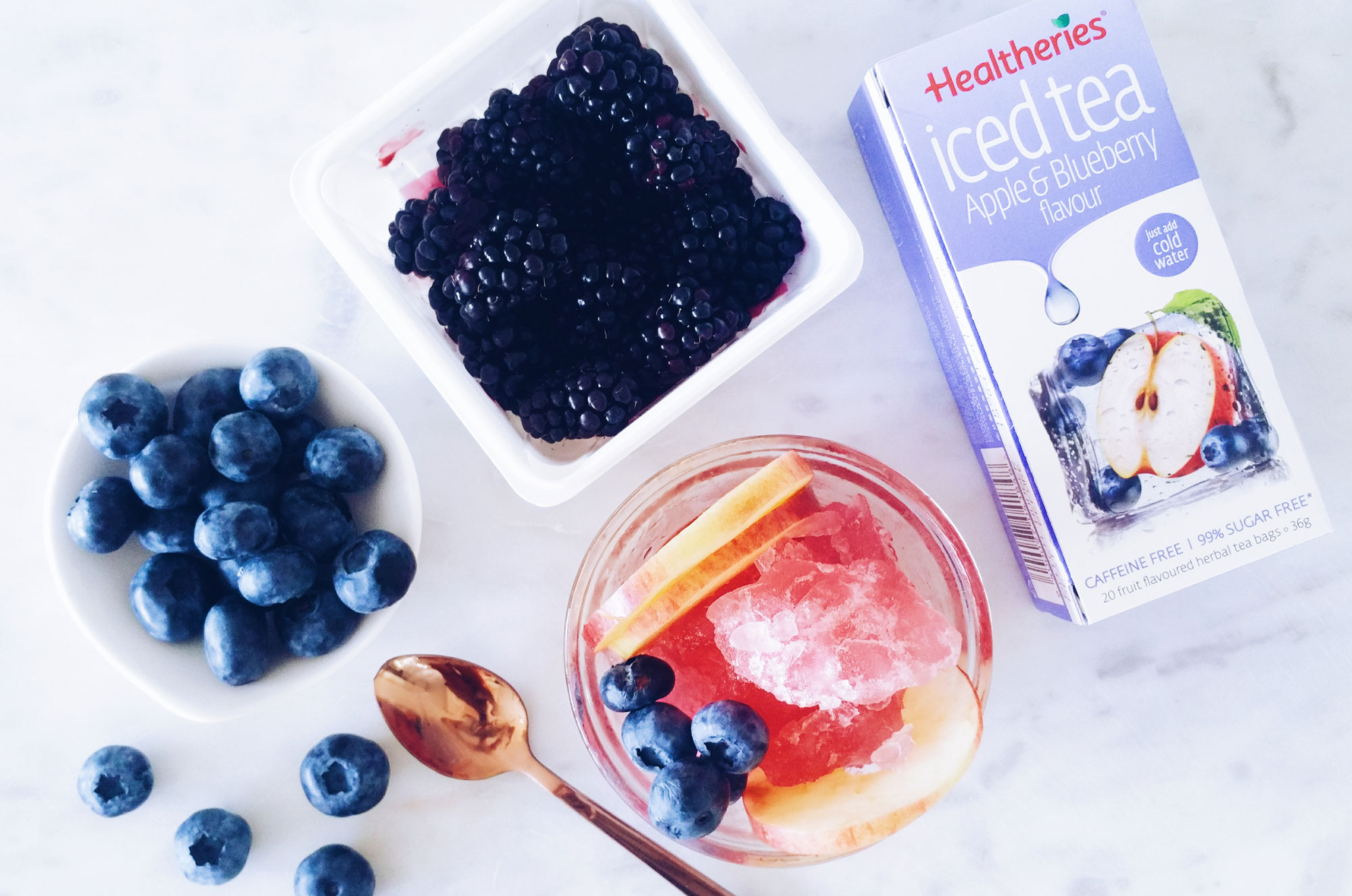
The boys both received Chill Factor Slushy Makers for Christmas so I was excited to try out a healthy, more adult-friendly version than the varieties we’d been experimenting with so far.  I brewed 1 cup of Apple & Blueberry Iced Tea using chilled water, squished up my slushy and served it with apple slices and giant, fresh blueberries.  Ah-maze-ing.  Forget about reaching for the Magnums this summer, your waistlines will thank me I promise!

Sparkling Iced Tea

New Zealand's Top Mummy Blogger Blog Iced Tea Recipes

Bubbles make everything a little bit special right?  I love this combo of soda water made at home in my SodaStream plus Healtheries Lemon & Lime Iced Tea with lemon and kiwi fruit slices.  This just tastes like Summer and is the ultimate thirst quencher.  One thing I love about these iced tea varieties is that the flavours get better and better the longer you let them steep – as opposed to getting stronger and stronger and more tea-ish (sp?).  I’m not a fan of traditional tea at all, Iced, Fruit and Green teas are all I will drink so having some new tea options that I love makes me so happy!

Iced Tea en Masse!

New Zealand's Top Mummy Blogger Blog Iced Tea Recipes

Because they are caffeine free and 99% sugar free, Healtheries Iced Teas are a perfect option for the entire family.  Nixon and Ethan both love all three varieties and even more so when I have them ready and waiting in the fridge!

This morning I made 2 cups of each flavour, spent 5 minutes chopping some fruit and popped our teas in the fridge so we were all prepared for our day with easy, healthy and freaking gorgeously-good drinks ready to enjoy when we needed them!  

Try this: I keep frozen mango cubes in the freezer for smoothies so added some chunks to the Peach and Mango variety along with some chopped peaches and crunchy apple slices.  I left the tea bags in the mason jars and the flavours were beautiful!  (If you’re looking for cute mason jar mugs, try your local dollar store, Kmart or the Warehouse).


I really struggle to drink enough water but the flavours of this new range are so, so good I feel like I’ve got a new lease on hydration this summer!  Try popping a tea bag in a drink bottle with some chilled water before you head out for the day or off to work – I guarantee you’ll be hitting your water goals in no time!

Healtheries Iced Teas come in three delicious flavours: Peach & Mango, Lemon & Lime and Apple & Blueberry. Available in supermarkets nationwide RRP$3.99.  Find out more information at  http://www.healtheries.co.nz

If you would like to win ALL 3 delicious Healtheries Iced Tea varieties, just leave a comment below!  Winner drawn 28/2/16.  NZ residents only.

New Zealand's Top Mummy Blogger Blog Fruit Tea Recipes


Back to School | The Deal-breaker – School Stationery Shopping

Back to School | The Deal-breaker – School Stationery Shopping

Welcome to the third post in a little series I’m going to refer to as All the Mummas Say Hell Yes! The Best Nest Goes Back to School 2016!  Whoop whoop!  Shopping, lunchboxes, uniforms, shoes, pencil sharpeners, stationery, protractors, hold on, PROTRACTORS!!!!! I don’t really get on